 Perch
PerchSide by side
Every agent in view, none of them lost.
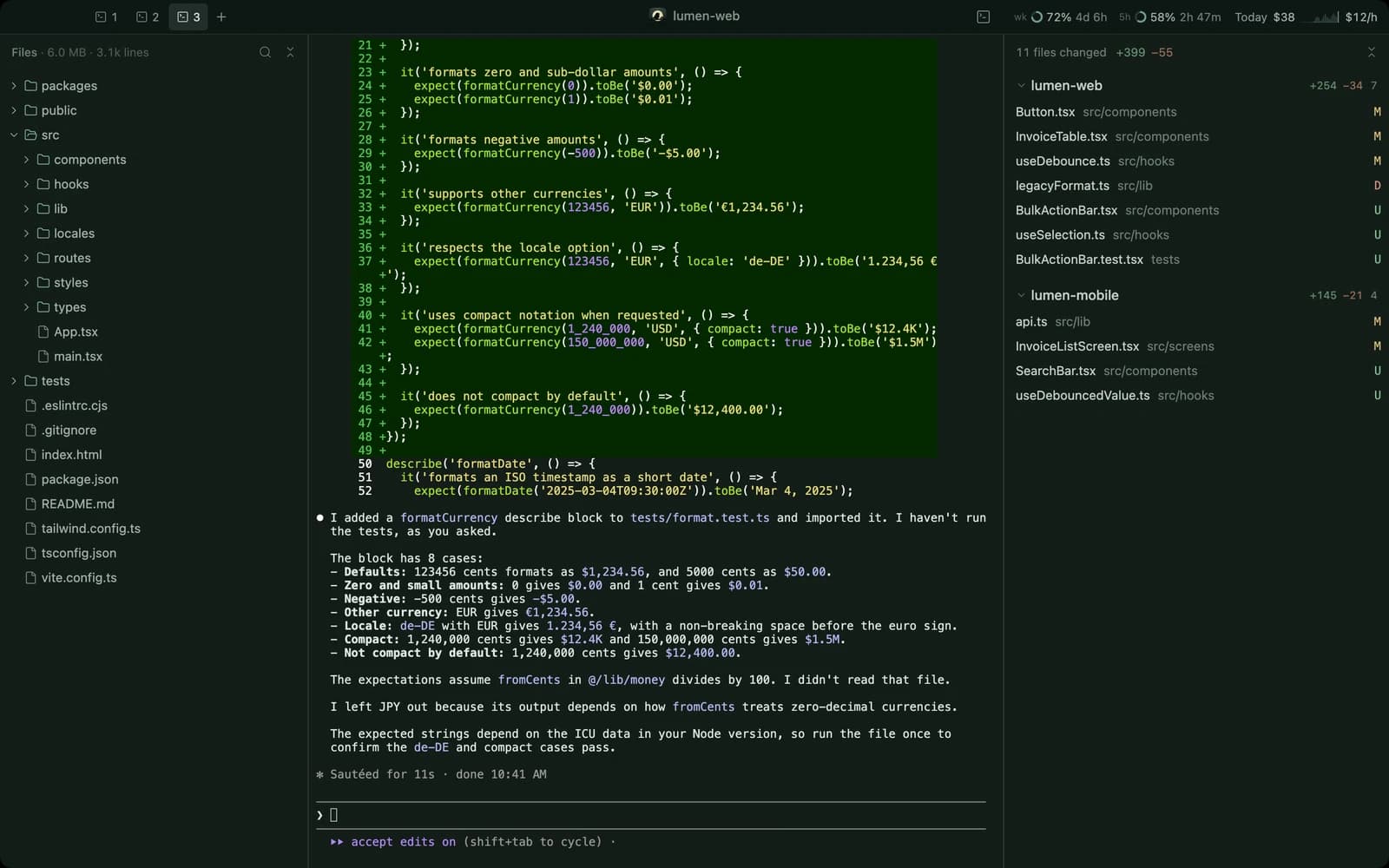
Run up to ten Claude Code sessions as tabs in one window. Each is a real terminal, so nothing about how you work changes. You just stop hunting for it.
A Mac app for Claude Code
A calm place to watch your Claude Code agents work. Terminals, file tree, git diffs and usage, together in one window per project.
Apple Silicon · macOS 11+ · Free · Requires Claude Code
Why Perch
Claude Code is at its best when you let it work, and at its worst when you can't tell what it's doing. Perch is the vantage point.
Three agents, six terminals, and a hunch about which one is doing what.
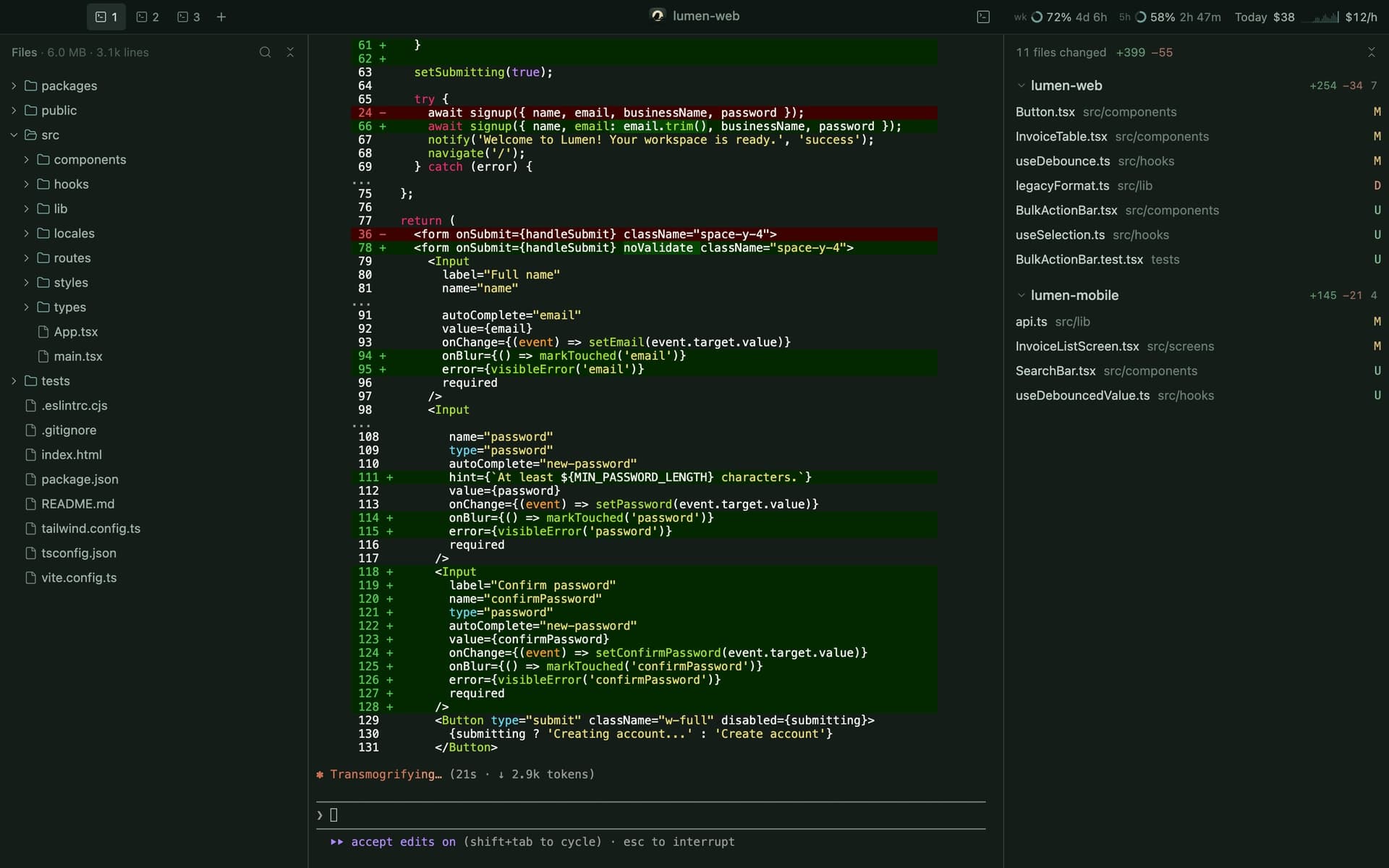
An agent edits files in two repos and you find out at commit time.
The weekly cap arrives mid-task, with no warning and no sense of pace.
Side by side
Run up to ten Claude Code sessions as tabs in one window. Each is a real terminal, so nothing about how you work changes. You just stop hunting for it.
Review
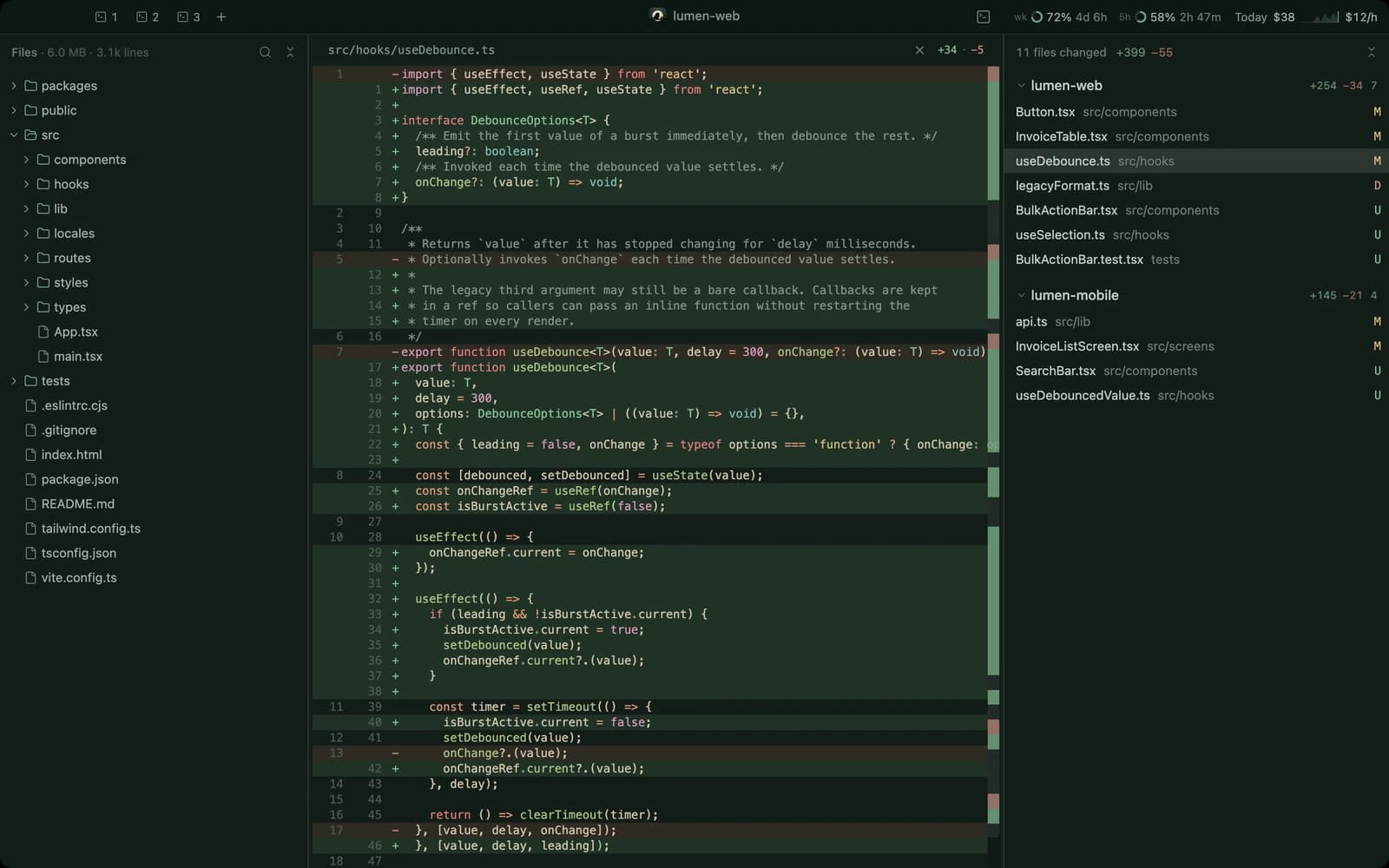
Read-only git diffs update as agents write. Nested repos show up beside the parent, so a change two folders down never slips past. Read-only means you can't clobber an agent mid-edit.
Focus
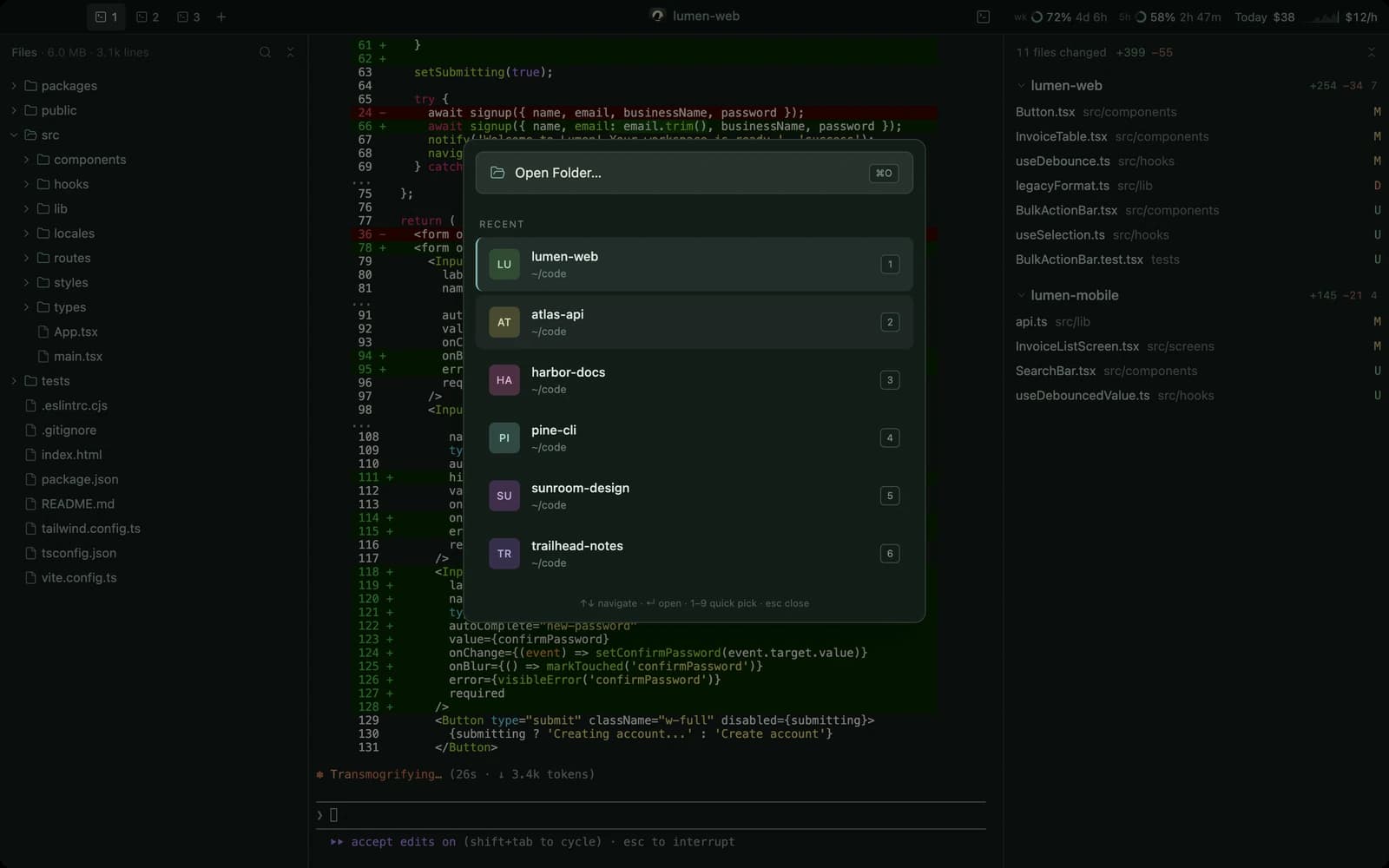
Each project gets its own window, and a recent-projects picker gets you back to it fast. Press ⌘P to jump to any file, or ⌘⇧T for a quick terminal that stays out of the agents' way.
Usage
Week and session limit meters, today's API-equivalent spend, and a live dollars-per-hour rate with a 24-hour sparkline sit quietly in the top bar. You see the pace before the wall.

No clutter, no accounts, no telemetry. A quiet tool for work that deserves attention.
How it works
Perch runs the Claude Code you already have, signed in as you.
Pick a project. Perch gives it a window with a file tree, tabs and diffs.
Start your agents, then sit back and review what changes as it happens.
Yes. Perch is free to download and use. There are no accounts, no tiers and no ads.
Perch runs your own installed Claude Code, so you need Claude Code installed and signed in with whatever plan you already use. Perch does not provide or replace it.
No. Perch has no servers, no telemetry and no analytics. It reads your project folders, git state and Claude Code's local usage logs on your Mac, and none of it leaves your machine through Perch. Claude Code itself talks to Anthropic under its own terms, exactly as it does in any terminal.
Yes. Perch is built for Apple Silicon Macs (M1 and later) on macOS 11 or newer. There is no Intel build.
Perch does not check for updates on its own, since it never phones home. Download the latest version from this site and replace the app.

Free, signed and notarized, and nothing leaves your Mac.
Apple Silicon · macOS 11+ · Free · Requires Claude Code